
Key Steps & Rules:
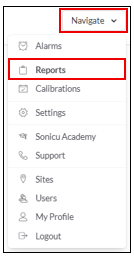
1. Go to Navigate  Reports.
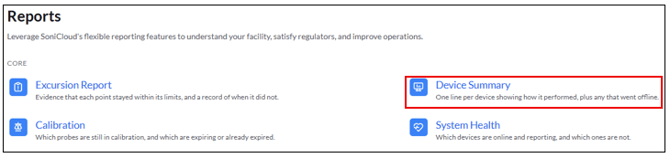
2. Select your Report:
- Select the Device Summary Report from the Core Reports.
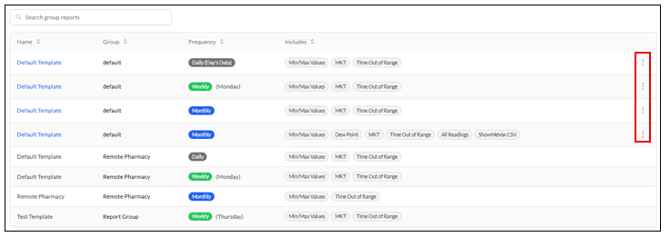
- Select Group Reports (Automatically sent reports)

- Select the three dots for the template you would like to edit
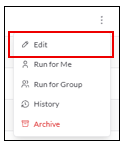
- Select Edit - This will redirect you to the template page where you can edit the Report Details and Data Settings.
- Save Changes

You can also archive the template, view the report history, and run the report for the group from this page.
For any more questions regarding Reports, please contact Sonicu Support for assistance. Sonicu Support can be reached by email at support@sonicu.com or by calling 317-468-2345. Sonicu Support is available M-F 8 AM- 5 PM EST.