
Key Steps & Rules:
1. Go to Navigate  Reports.
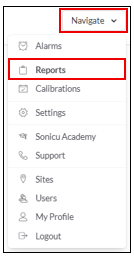
2. Select your Report:
- Select the Threshold Achievement Report from the Advanced Reports

Threshold Achievement Report - Group Report (Automatically sends reports)
-
Select Group Reports
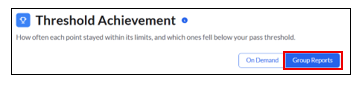
- Select New Group Report
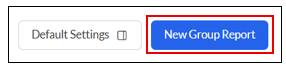
- Fill in the Report Details
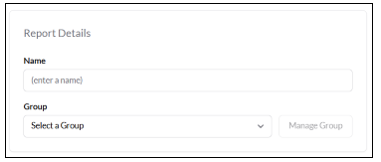
- Enter the report name (Weekly Pharmacy Report)
- Select the Group you want the report sent to (Pharmacy Group)
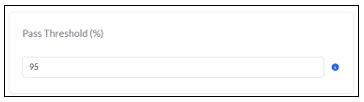
- Select your Pass Threshold %
- Select Save Group Report
For any more questions regarding Reports, please contact Sonicu Support for assistance. Sonicu Support can be reached by email at support@sonicu.com or by calling 317-468-2345. Sonicu Support is available M-F 8 AM- 5 PM EST.